
QRCoder – an Open Source QR code generator implementation in C#
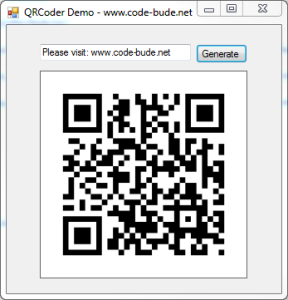 In modern times QR codes should be known by pretty much everyone. Since smartphones are becoming increasingly popular, QR codes can also be found at more and more places in our everyday lives. As a fairly serious geek this should be reason enough to engage a bit more in detail with the technology behind it. And what way seems to be more suitable than implementing a QR code generator by yourself?
Because C# is my favourite programming language, the choice fell accordingly to this language. Sadly information on the QR code are not so easy to get. The easiest way of course would be the official way – simply buy the ISO/IEC document. That would be the ISO/IEC 18004. But there’s also a crux on that. The ISO 18004 costs round […]
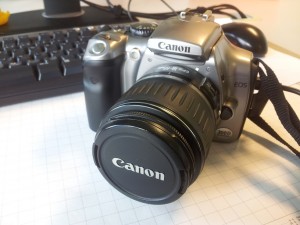 Recently I put my hands on a Canon EOS 300D and should copy a few photos from the camera to the PC. Easier said than done. The camera has a few years under his belt and Windows 7 was seemingly not able to find suitable drivers. Also the Windows driver search did not help.