
iPhone 5s giveaway – Win 1 of 10 new iPhone 5s
 Among the first 1000 commenters here on the blog, I will give away 10 brand-new iPhone 5S *. To enter the contest you have only two thing to do. Write a comment below this article and like my Facebook page. In the next hours I also will post two more tasks on Facebook which will raise your chance to win one of the iPhones. The first task will be: “Like this, if you ever had a cold.” and finally the second upcoming task will be a survey with the following question: “If you are a men, like this – if you are a woman share this”. And always stay tuned because next month I will give away even 100 MacBook Pros*. And so it goes with the social media, […]
 Today I wrote the fourth round of my “Best of Web” series. As some may have noticed, there have been no posts in this series for the last two weeks, even though I really wanted to bring up a contribution to the series on every Monday.
 Anyone who has ever worked with Microsoft’s Visual Studio, will know and love Intellisense. When writing source code the auto-completion feature does a good piece of work for you. Now the good news! If you are rather a fan of writing your code in a more lightweight editor like Notepad++, you don’t have to completely give up the autocomplete support.

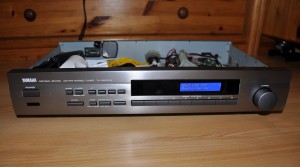 Today I want to present you one of my larger craft projects. This time it is not just about software, but also about the associated hardware. What is it? A web radio!