
TagKeywordFinder – a free WordPress SEO plugin
Last while browsing I came across a WordPress plugin called wpSuggest. This links Google’s autocomplete function (the thing called “Google Suggest”, which ensures that you get suggestions while typing your question) with the title field in the WordPress editor. So if you write an article in the WordPress backend and type the title wpSuggest will make suggestions for the perfect title.
I liked the way the Google Suggest feature was used here. However, I found that the combination of Google Suggest and the input field for the keywords/tags would make much more sense. So in short I have developed a small WordPress plugin named “TagKeywordFinder”. This plugin works similar to the above mentioned wpSuggest, with the small difference that it is used when tagging the article. And this is how it looks like:
(If you’re not intrested in the setup process, skip it to 1:00.)
When you begin to assign tags for your […]
 I admit, the title of this article is somewhat misleading. The PHP function file_get_contents(), which can be used to read files from the internet into a string, just does not work with allow_url_fopen disabled. On that not even this article will change anything.
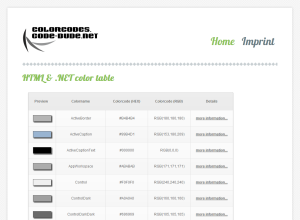 Today I would like to point you to a small project of mine, which I have released a few minutes ago. Concrete it’s “colorcodes.code-bude.net“, a small website which presents you a list of all the colors that are in the Color-struct of the .NET framework.
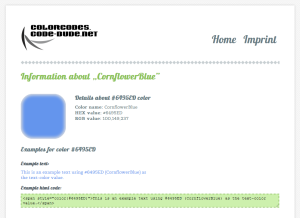 The whole thing is more practice and research project, than a serious webpage. For one, I wanted to do some little finger exercise – so all […]
 In that article I provided a small C# based library that allows you to easily access the thesaurus web service of the Wortschatz Leipzig project.