
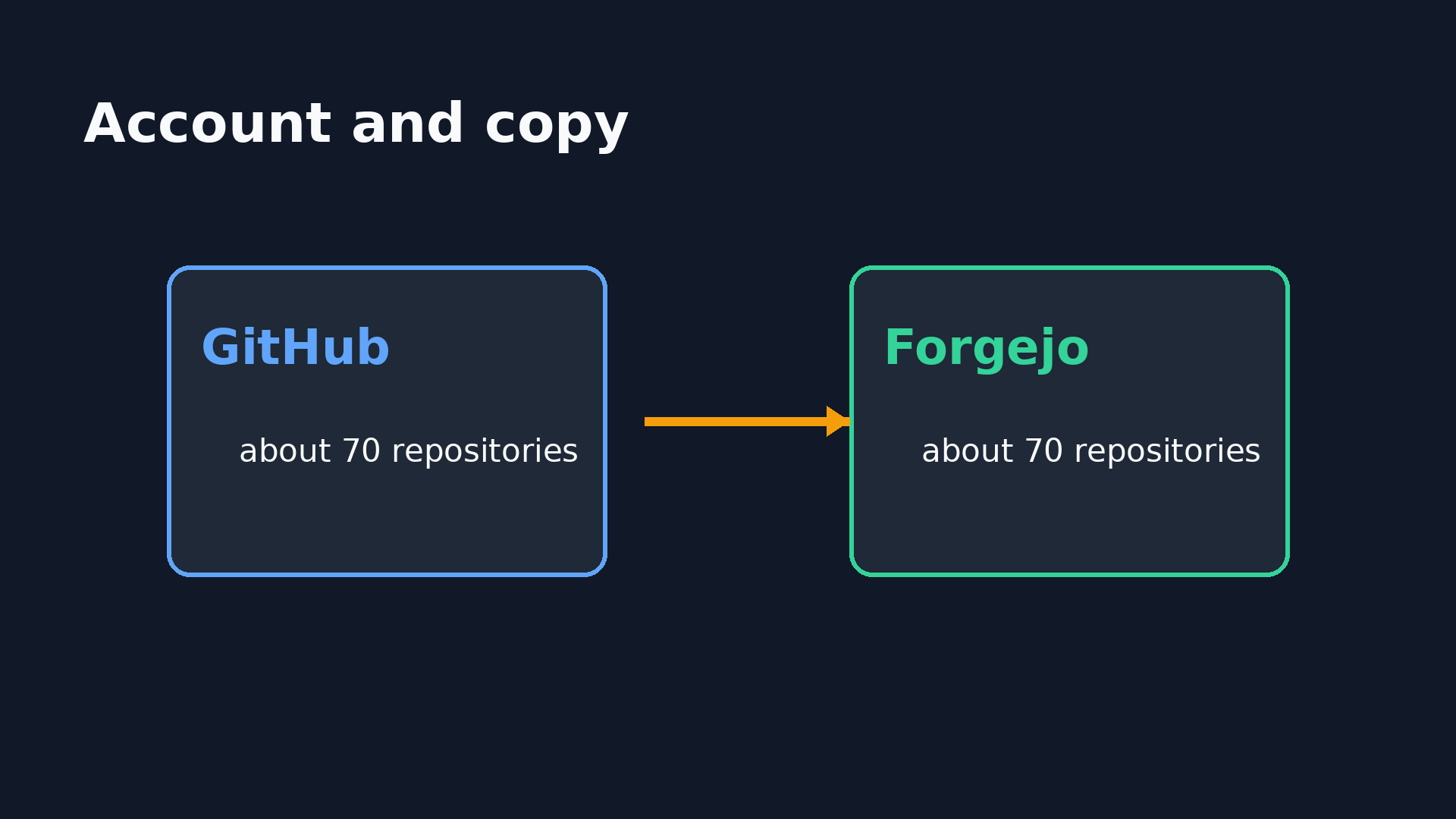
A large part of my work lives in my GitHub account codebude, which has grown over several years. It now contains around 70 repositories, public and private, including forks. You know the trade-off: a hosted account is convenient, but the copy still lives with someone else.
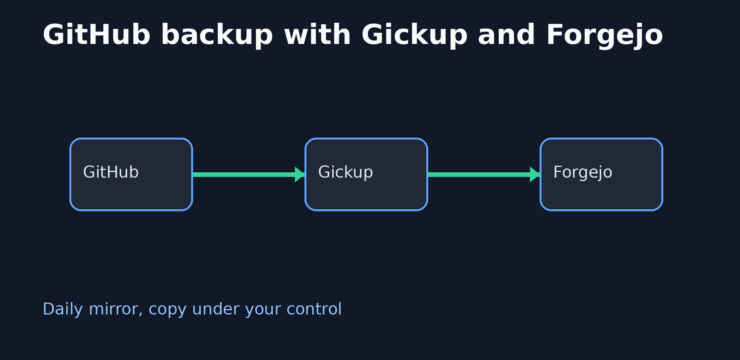
My goal is simple and concrete: every repository should be mirrored automatically to my own self-hosted Forgejo instance once a day. Not as a manual export I will eventually forget, but as a routine that keeps running while I am busy with something else.
That gives me a complete copy I can clone at any time, regardless of what happens to my GitHub account or the service. It does not prevent every possible kind of data loss, but it removes one important dependency.
First I will explain why I take this detour at all. Then we will build the workflow step by step with Gickup, Docker and Forgejo.
Why GitHub deserves its own backup
GitHub is a service, not a backup system for your personal infrastructure. The GitHub backup documentation explains how to back up a repository, and Git itself provides a lot through cloning and its refs. What is missing is a daily copy of every repository in a place you control.
One clone per project would work, but around 70 repositories quickly turn that into a list of special cases. Forks, private repositories, and wikis need to be included as well. I wanted less maintenance, not another maintenance project.
Why Gickup and a self-hosted Forgejo
Gickup reads repositories through the GitHub interface and pushes all refs to the target. Forgejo is the storage layer here: a web interface and a Git instance that I can clone from at any time. The alternative would have been a custom script with API pagination, clone loops, and error handling. That sounds like a pleasant weekend project until experience turns it into a second weekend project.
The important limitation is this: Gickup transfers Git data and, optionally, wikis. Issues, pull requests, releases, and Actions are GitHub metadata and are not included in this copy. If you need a complete archive of those items, you must add a separate export.
The repositories on the Forgejo side are normal repositories, not pull mirrors. Forgejo does not fetch anything, there is no return path, and Gickup is the only driver. The Forgejo project site and its notes on repository mirrors provide context, but this setup does not use pull mirroring.
Requirements
You need a GitHub token with access to the required repositories, a Forgejo instance with a user, Docker, and a place for the Git data. The Forgejo hostname must also be reachable from the container, through DNS or a suitable host entry.
My target directory lives on a network share. That is where the decisive trap appeared, as I described in When Docker is faster than the NAS: the instance must not start before the share is mounted.
The setup, step by step
Create a GitHub token
Create a token for access to your repositories. The GitHub documentation on personal access tokens describes the current choices. Use the smallest scope that covers your public and private repositories, and pass the value through an environment variable later.
Forgejo token and required permissions
Create a Forgejo token for the target user. It must include write:user, because Gickup creates missing repositories itself. A token with insufficient permissions cannot be extended later, so create a new one and replace it in the configuration.
Directory for the Git data
Create the directory on the storage that will hold your copy. Before starting, verify that Forgejo sees exactly this directory. If it starts empty, Gickup will show the same error while pushing every repository, even though the tool itself is working correctly.
Compose file
The Compose file starts Gickup with a fixed time zone and mounts the configuration. The tokens do not belong in this file, but in a separate environment.
services:
  gickup:
    image: buddyspencer/gickup
    restart: unless-stopped
    env_file:
      - .env
    environment:
      TZ: Europe/Berlin
      GITHUB_TOKEN: ${GITHUB_TOKEN}
      FORGEJO_TOKEN: ${FORGEJO_TOKEN}
    entrypoint: ["/usr/local/bin/start-gickup.sh"]
    volumes:
      - ./start-gickup.sh:/usr/local/bin/start-gickup.sh:ro
      - /etc/ssl/certs/ca-certificates.crt:/etc/ssl/certs/ca-certificates.crt:ro # needed for self-signed certificates
    networks:
      - forgejo

networks:
  forgejo:
    external: true
#!/bin/sh
set -eu
cat > /tmp/gickup.yml <<EOF
cron: "0 5 * * *"
source:
github:
- token: ${GITHUB_TOKEN}
wiki: true
destination:
gitea:
- url: https://git.example.com
token: ${FORGEJO_TOKEN}
user: backup
createorg: false
lfs: true
force: false
metrics:
push:
ntfy:
- url: https://ntfy.sh
topic: github-backup
EOF
exec /gickup/gickup /tmp/gickup.ymlGickup configuration
The configuration defines the source, target, and notification. The file is generated from the environment when the container starts. Its structure follows the Gickup example configuration.
cron: "0 5 * * *"
source:
  github:
    - token: <your GitHub token>
      wiki: true
destination:
  gitea:
    - url: https://git.example.com
      token: <your Forgejo token>
      user: backup
      createorg: false
      lfs: true
      force: false
metrics:
  push:
    ntfy:
      - url: https://ntfy.sh
        topic: github-backup
Keep tokens out of the repository
Store the token values in an environment that is not versioned and exclude it from your repository. Notifications through ntfy are useful because a failed run does not have to disappear silently.
First run and schedule
Start the first run manually and follow the logs with the two commands below.
docker compose up -d gickup
docker compose logs -f gickup
My production schedule runs daily at 05:00 local time. Without TZ, the container uses UTC and the run shifts by two hours. Additional arguments in the Compose file do not reach Gickup because the image brings its own entrypoint, so the logic belongs in a separate script.
For a test run every 30 minutes, use */30 * * * *. 0 */30 * * * does not mean every 30 minutes, but once a day at 00:00, because the hour field runs from 0 to 23.
Verify that the copy is complete
Compare the GitHub repository list with the Forgejo list and paginate through every API page. The Forgejo interface returns at most 50 entries per response. Without pagination, it is easy to mistake 50 for the total. My account contains about 70 repositories, while Forgejo holds 71 directories. The difference is not an error: Gickup mirrors everything the token can reach, including two repositories that do not belong to my account.
With self-signed certificates, mount the trust store into the container. Otherwise the push ends with x509: certificate signed by unknown authority. If you enable LFS, check those data as well.
Restore from the mirror
Recovery is deliberately uneventful. Clone directly from Forgejo and continue working with that repository:
git clone https://git.example.com/backup/example.git
What can go wrong
The most visible error was ERR pkt-line 3: EOF git=push stage=gitea for every repository, followed by Exiting with status=1. In my case the cause was not a broken tool but a mount problem: Forgejo started before the network share was mounted and therefore saw no repositories.
A token without write:user makes every push fail because missing repositories must be created. A wrong time zone shifts the run. A wrong cron expression starts at the wrong time. A self-signed certificate needs to be trusted inside the container. None of these are spectacular bugs, but logs present exactly this kind of problem like an oracle.
Conclusion
The setup backs up about 70 repositories from my account to my own Forgejo instance. The run starts daily at 05:00 local time and takes just under five minutes for a full pass, measured at 4 minutes 57 seconds. The cost is a Forgejo instance, storage, Docker, and some attention to tokens, mounts, and logs.
If you also have a lot of work in a hosted account, back it up before you need it. How do you solve this, and which of these failure modes have you encountered?
0 Comments