I had run code-bude.net long enough to know its little points of friction. A homepage with 22 external CSS files, more than 100 KB of HTML and 1.2 MB PNG title images in listing views was no longer a charming bit of history. Lighthouse estimated 6.25 MB of image savings. The score moved between 27 and 55 depending on the run. That is not a measurement. It is a weather forecast with a very small cloud.
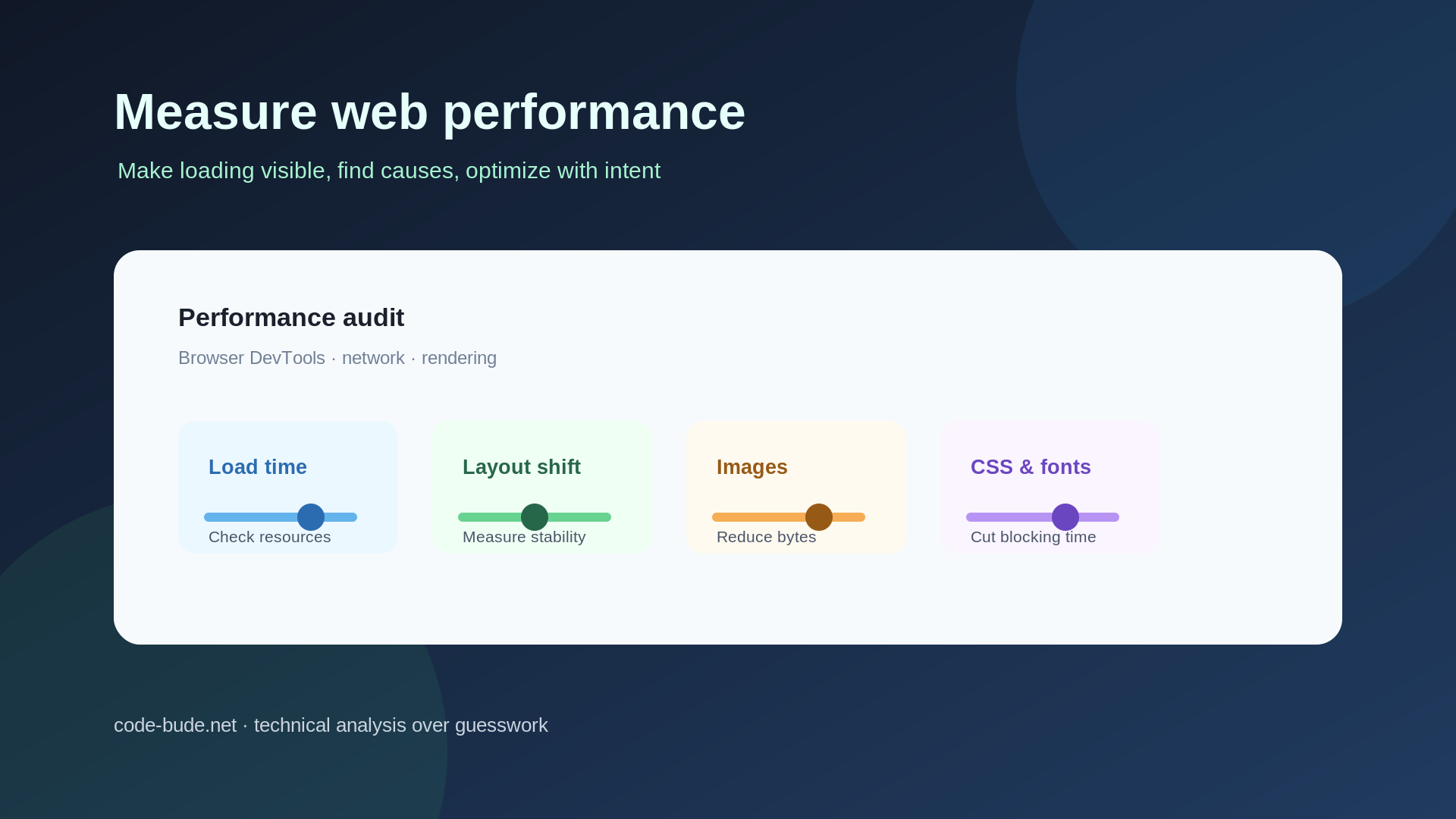
I worked in two rounds. First came images, CSS, critical CSS and fonts. Then I tackled Site Health findings, CLS, accessibility, security headers and icon fonts. The scores are useful as direction, not as proof. Bytes, concrete audits and same-run comparisons are much harder to argue with.
Round one: remove the obvious weight
1. Images: crop them to the job they have to do
The listing views did not need the original image. I cropped title images to 740 × 360 pixels. Roughly 1.2 MB became about 104 KB. One title image went from 103,762 bytes as PNG to 15,812 bytes as WebP. A release image dropped from 1,028,638 to 102,108 bytes.
I settled on WebP quality 85. At 75, small screenshot text became visibly soft and showed ringing. The more important trap was elsewhere: EWWW creates lossless WebP from PNG by default. In my case that saved about 23 percent instead of 55 to 89 percent.
define( 'EWWW_IMAGE_OPTIMIZER_LOSSY_PNG2WEBP', true );
This constant makes EWWW use the selected quality for PNG input. The PNG originals stay in place. Generating WebP is not the same as delivering it, so the rewrite rules have to sit before the WordPress block:
<IfModule mod_rewrite.c>
  RewriteEngine On
  RewriteCond %{HTTP_ACCEPT} image/webp
  RewriteCond %{REQUEST_FILENAME}.webp -f
  RewriteRule (.+).(png|jpe?g)$ $1.$2.webp [T=image/webp,E=accept:1,L]
</IfModule>
The Accept check makes delivery conditional on browser support. The file check prevents rewrites to variants that do not exist. The position before WordPress matters because its catch-all rule ends the rewrite chain.
<IfModule mod_headers.c>
<If "%{REQUEST_URI} =~ m#^/wp-content/(uploads|cache)/#">
Header set Cache-Control "public, max-age=31536000"
</If>
</IfModule>
Uploads normally get new filenames when a new version is created, so a one-year cache is a reasonable trade.
WordPress still refused to emit srcset for the hard crop. The reason is the aspect ratio: 740 × 360 had only one matching candidate. A second crop with the same ratio fixes that:
add_image_size( 'blog-post-small', 370, 180, true );
The true enables a hard crop. After regenerating images, WordPress can offer the 740 and 370 pixel candidates. A random 16:9 sibling would be wrong because the browser would be choosing a different crop ratio.
2. CSS: one cacheable file instead of twenty requests
Autoptimize combines the local stylesheets. The raw aggregate was 343,382 bytes and the compressed file 48,563 bytes, with a one-year cache. That is not glamorous, but it helps every later page more than a heroic first-load number.
Then the checkbox and the database disagreed. autoptimize_css_defer was stored as the text off. In PHP, a non-empty string is true. Autoptimize therefore entered its defer path and, when no critical rules were found, inlined the entire stylesheet. The result was 563 KB of HTML with 472 KB of inline CSS.
The practical lesson is simple: inspect option values and types, not just the admin screen. Numeric 0 and the string off are not interchangeable.
3. Critical CSS: inline only the first viewport
I collected the rules that actually matched visible elements in the browser and kept their original order. The critical CSS was 80,859 bytes raw and 10,751 bytes compressed. The full stylesheet loads through preload. The render-blocking recommendation, previously 2,550 milliseconds, disappeared.
Three failed attempts made the constraints clear. Keep html and body rules, or the base typography changes. Do not reorder rules, or the cascade changes. Keep ::after rules, because they can be part of clearfix and height calculations.
4. Self-host the fonts
PT Sans and Roboto Condensed initially came from Google. Each stylesheet cost 751 milliseconds of blocking time. The connection setup, not the font bytes, was the problem. Self-hosted WOFF2 files removed 1,300 milliseconds from the blocking chain and avoided the external Google request.
Round two: the less obvious brakes
5. Enable PHP modules through Compose
WordPress reported missing PHP modules. The container image can enable extensions and PHP settings through environment variables, so one Compose stanza was cleaner than maintaining a private image:
environment:
  - PHP_EXTENSION_IMAGICK=1
  - PHP_EXTENSION_INTL=1
  - PHP_INI_UPLOAD_MAX_FILESIZE=25M
  - PHP_INI_POST_MAX_SIZE=32M
6. Remove 1.27 MB of plugin ballast
An HTTPS redirect plugin no longer did anything because the server already returned the redirect. Its options still accounted for 1,244 of 1,453 KB of autoloaded options. Removing it reduced autoload from 1,486 KB to 209 KB and removed 39 orphaned tables.
7. CLS: measure the movement, not just the container
The report blamed div#content for a CLS around 0.7 without saying which child moved. I installed a layout-shift observer before navigation:
window.__shifts = [];
new PerformanceObserver((list) => {
  for (const entry of list.getEntries()) {
    if (!entry.hadRecentInput) {
      window.__shifts.push({
        value: entry.value,
        sources: entry.sources.map(s => ({
          element: s.node,
          positionBefore: s.previousRect.top,
          positionAfter: s.currentRect.top
        }))
      });
    }
  }
}).observe({ type: 'layout-shift', buffered: true });
Without sources you get a number. With them you get the element and its old and new position. Missing image dimensions and the fallback font swap were involved here. Adding width and height attributes reserved image space, while metric-matched fallback fonts kept text boxes stable. CLS fell from 0.7 to below 0.05.
8. Accessibility is not a performance leftover
Accessibility rose from 77 to 93. I removed maximum-scale from the viewport, added missing alt attributes, gave icon links and category arrows aria-label values, and changed the meta-line contrast from 2.12:1 to 7.46:1.
9. HSTS and security headers
HSTS and the other security headers were missing completely. They belong at the reverse proxy rather than in WordPress. The Traefik middleware is straightforward:
http:
  middlewares:
    public-security-headers:
      headers:
        contentTypeNosniff: true
        referrerPolicy: strict-origin-when-cross-origin
        customFrameOptionsValue: SAMEORIGIN
        stsSeconds: 31536000
        stsIncludeSubdomains: true
max-age tells the browser how long HTTPS is mandatory. includeSubDomains extends that rule to subdomains, so check the entire public zone before enabling it.
10. Subset icon fonts
The theme used three glyphs from an icon set containing several hundred. The font shrank from 51,144 to 1,968 bytes. First identify the actual codepoints in CSS and the DOM, then subset and compare the homepage and a single post. Otherwise the technically successful optimization may produce empty boxes.
pyftsubset MonoSocialIconsFont.ttf
  --unicodes="U+E227,U+E286,U+E271"
  --flavor=woff2
  --output-file=MonoSocialIconsFont-subset.woff2
What I would do earlier next time
Plugin assets should load only where they are needed. A small mu-plugin can use wp_dequeue_script and wp_dequeue_style to remove a plugin asset everywhere except the login or profile page. The hook checks is_page() or is_front_page() and leaves the files enabled only in the required context.
add_action( 'wp_enqueue_scripts', function () {
    if ( ! is_page( 'profile' ) && ! is_front_page() ) {
        wp_dequeue_script( 'plugin-login-script' );
        wp_dequeue_style( 'plugin-login-style' );
    }
}, 100 );
The handles must come from the plugin code. Guessing them is not optimization, it is a small lottery.
The result, and the honest limit
The desktop result was Performance 95, Accessibility 93 and SEO 100. Mobile remained much worse because advertising and consent scripts set the pace. At some point the first-party work is optimized and the remaining code belongs to a business decision I am not going to remove behind anyone’s back.
The numbers fluctuate between runs. That is why the bytes are the stronger evidence: 103,762 versus 15,812 bytes for the title image, 343,382 versus 48,563 for CSS, and 51,144 versus 1,968 for the icon font. The score shows direction. Concrete resources and a browser observer explain the cause.